Observe in the terminal
Inspect a running actor system from your terminal with hew observe.
Install the Hew v0.9.3 SDK. Its terminal observer is the hew observe subcommand. Keep the observer and program compiler from the same SDK release.
Connect to a program
hew build my_program.hew -o my_program
HEW_OBSERVE=hot HEW_PPROF=127.0.0.1:6060 ./my_program
# In another terminal:
hew observe --addr 127.0.0.1:6060
Leave the program running. To explore without a program, use hew observe --demo. The screenshots below show that sample-data mode.
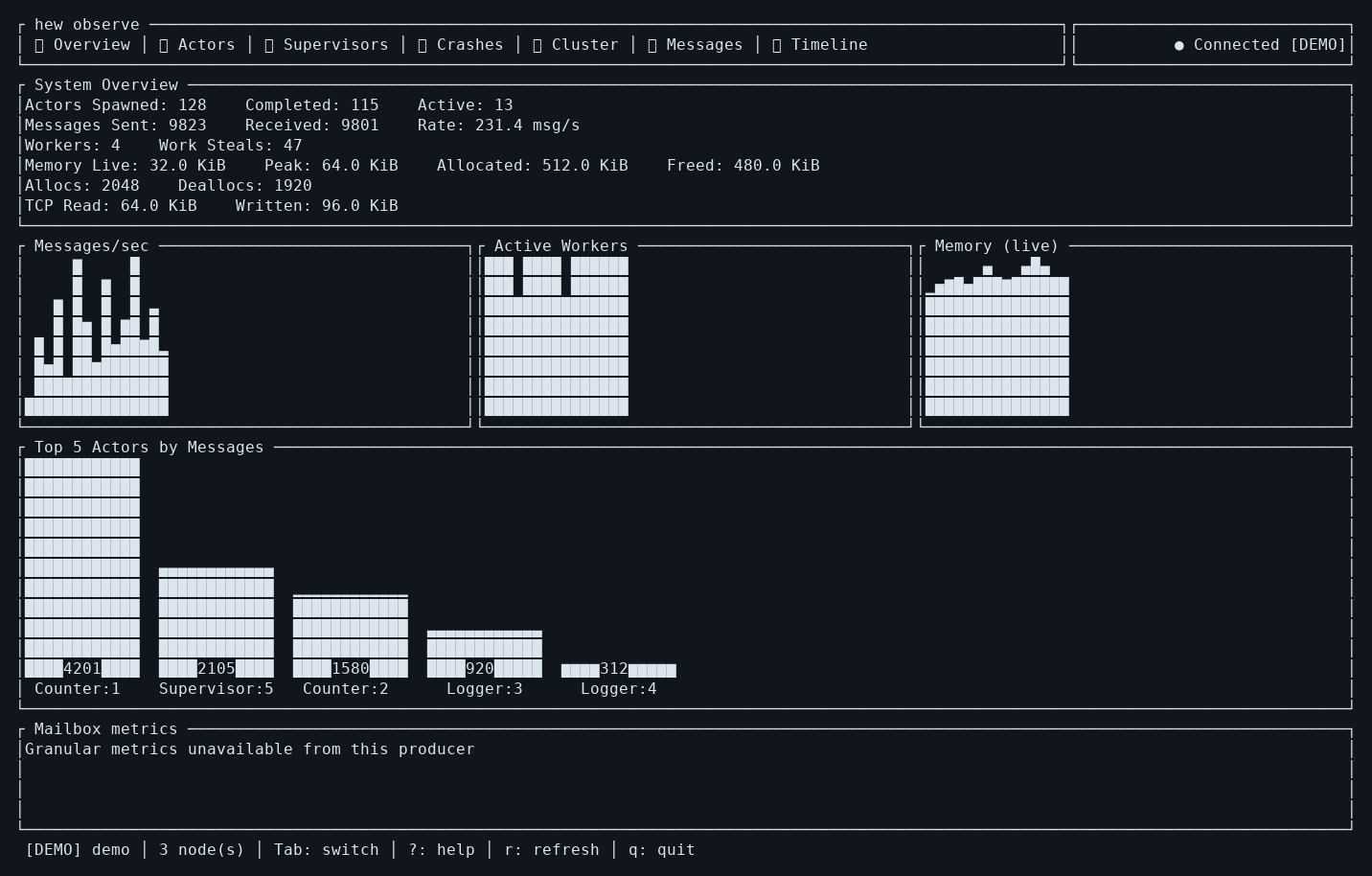
Discover a local process on Unix
hew run my_program.hew --profile
# In another terminal:
hew observe
# If several programs are running:
hew observe --list
hew observe --pid 12345
Choose the actual PID reported by --list. With no profiler available, the observer waits and rescans. Use --addr for TCP endpoints and on platforms without Unix-socket discovery.
Navigate the seven views
Use Tab and Shift+Tab to change views. Press ? for help, r to refresh, and q or Ctrl+C to exit.
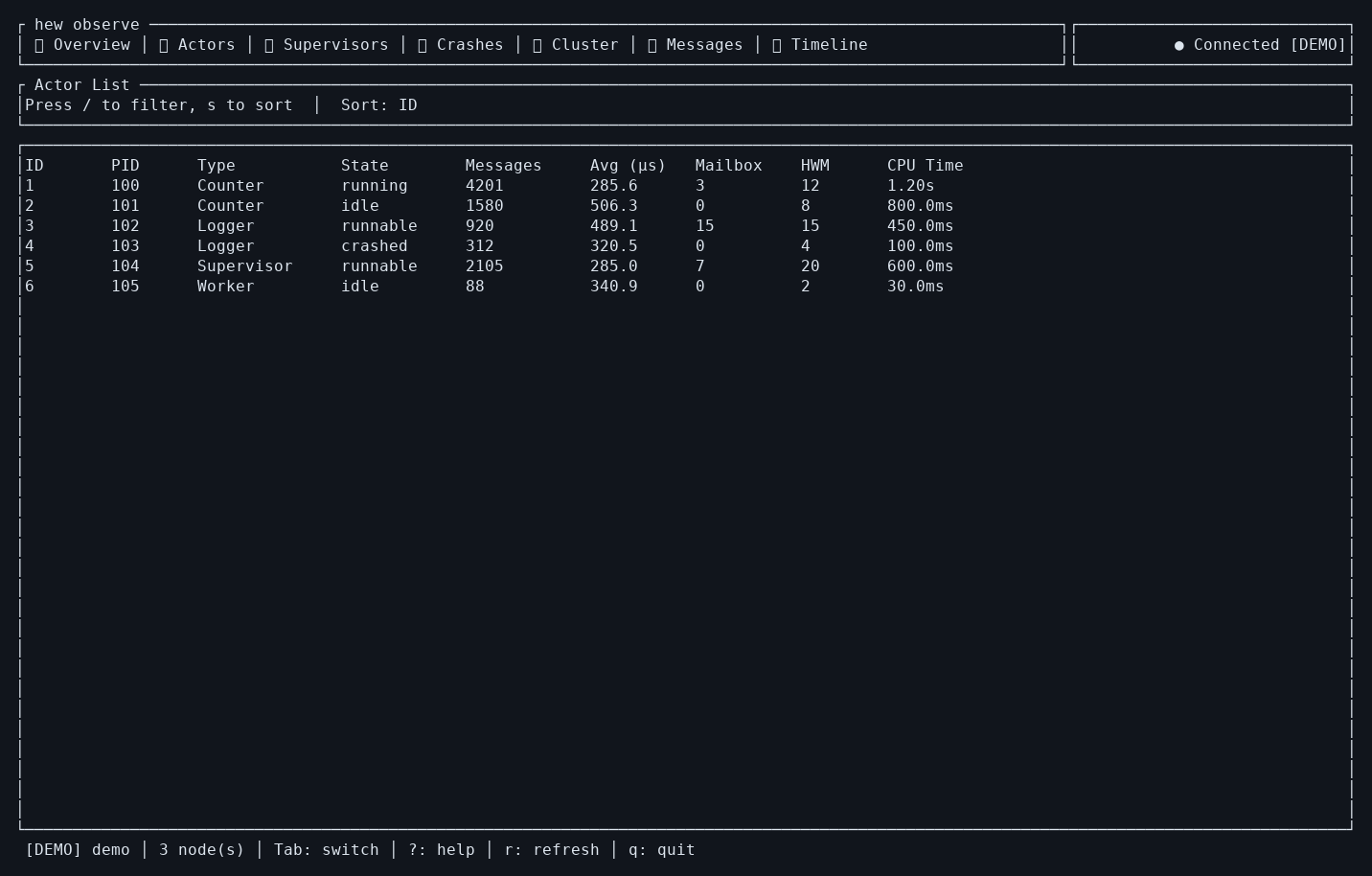
- Overview: check activity and memory before narrowing the investigation.
- Actors: compare mailbox depth and processing time; Enter accepts a typed filter and Escape clears it.
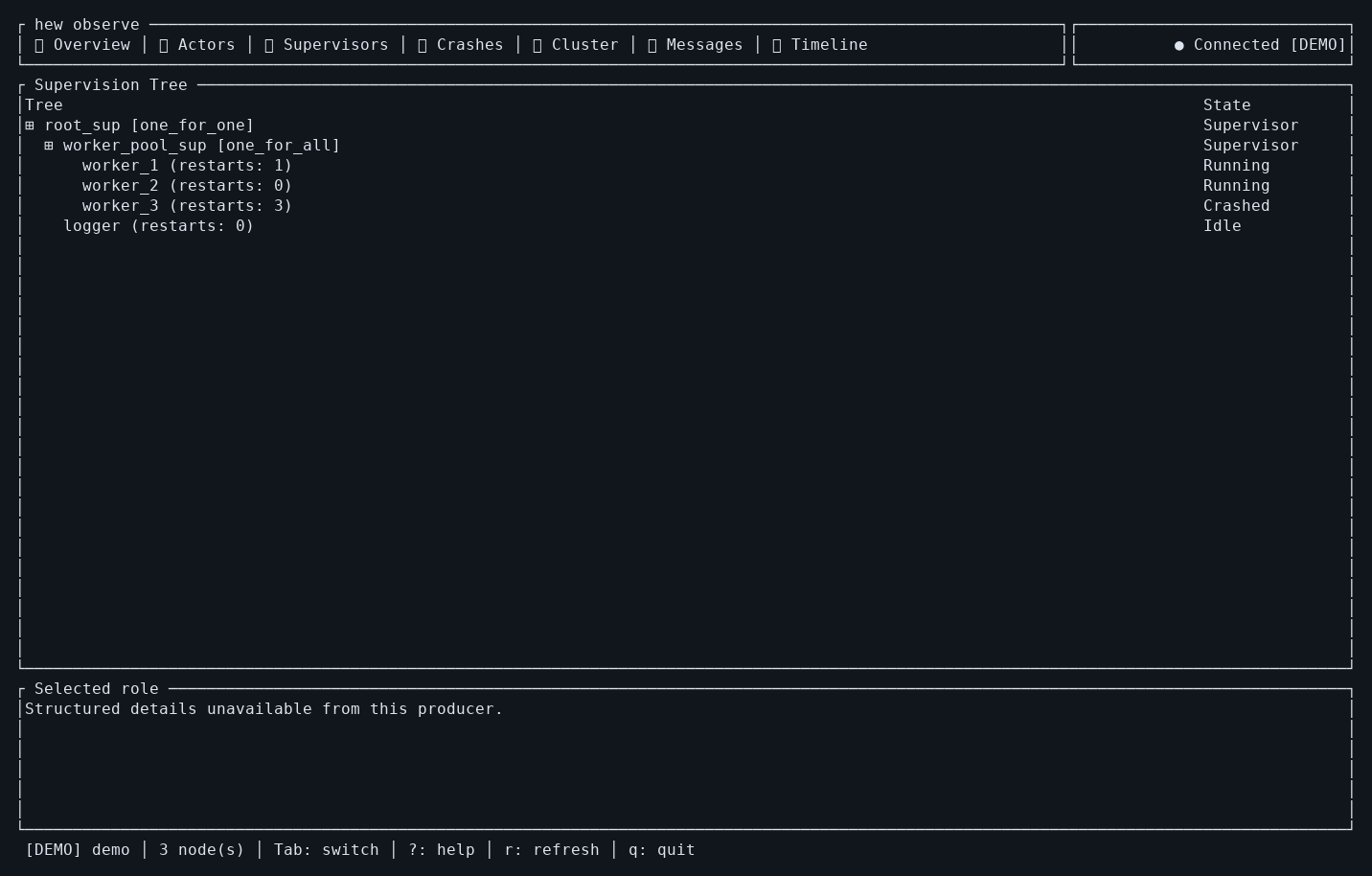
- Supervisors: select a role to inspect its current incarnation and mailbox data; Enter focuses that role's events.
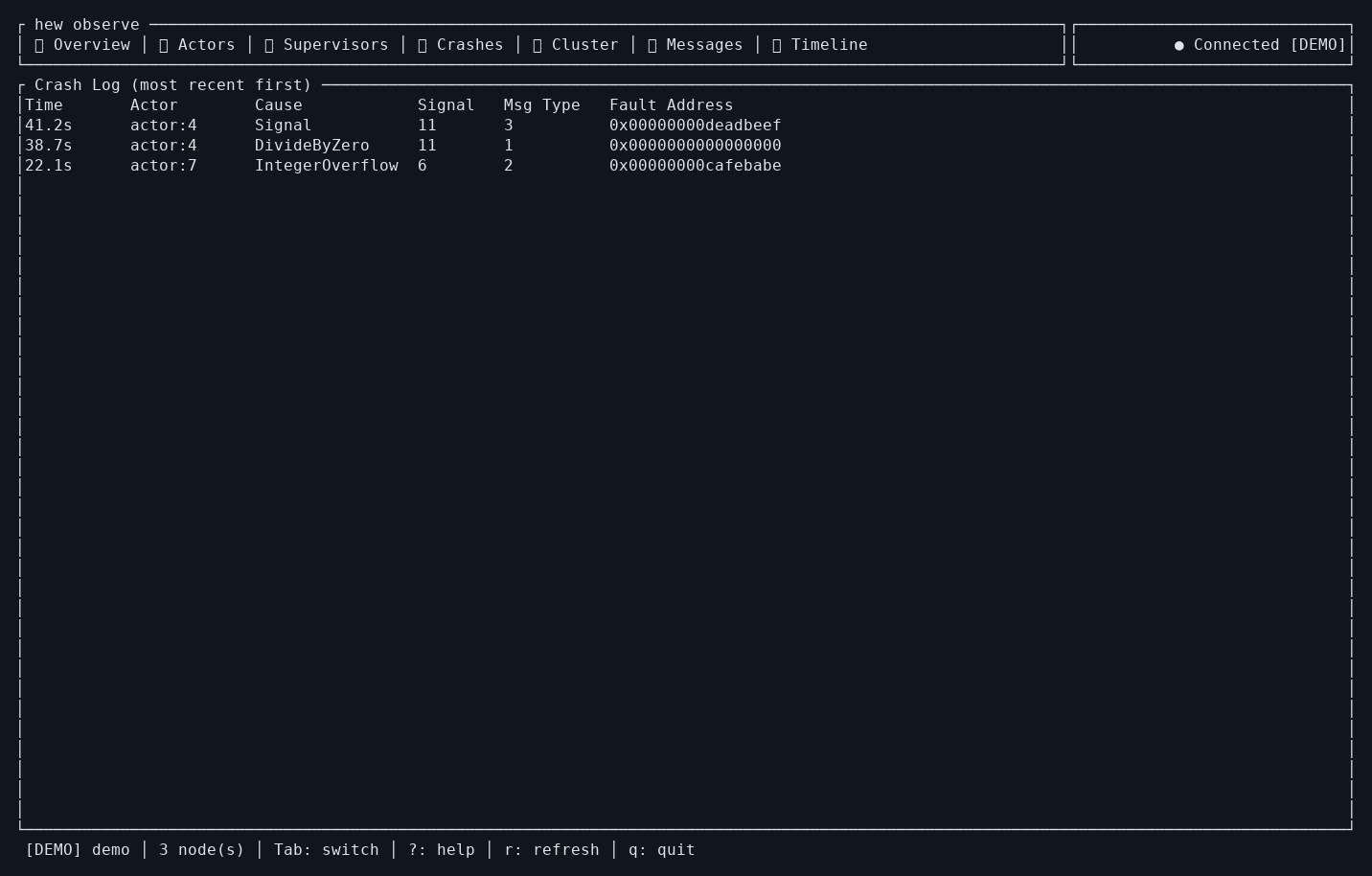
- Crashes: move through reported failures with Up/Down.
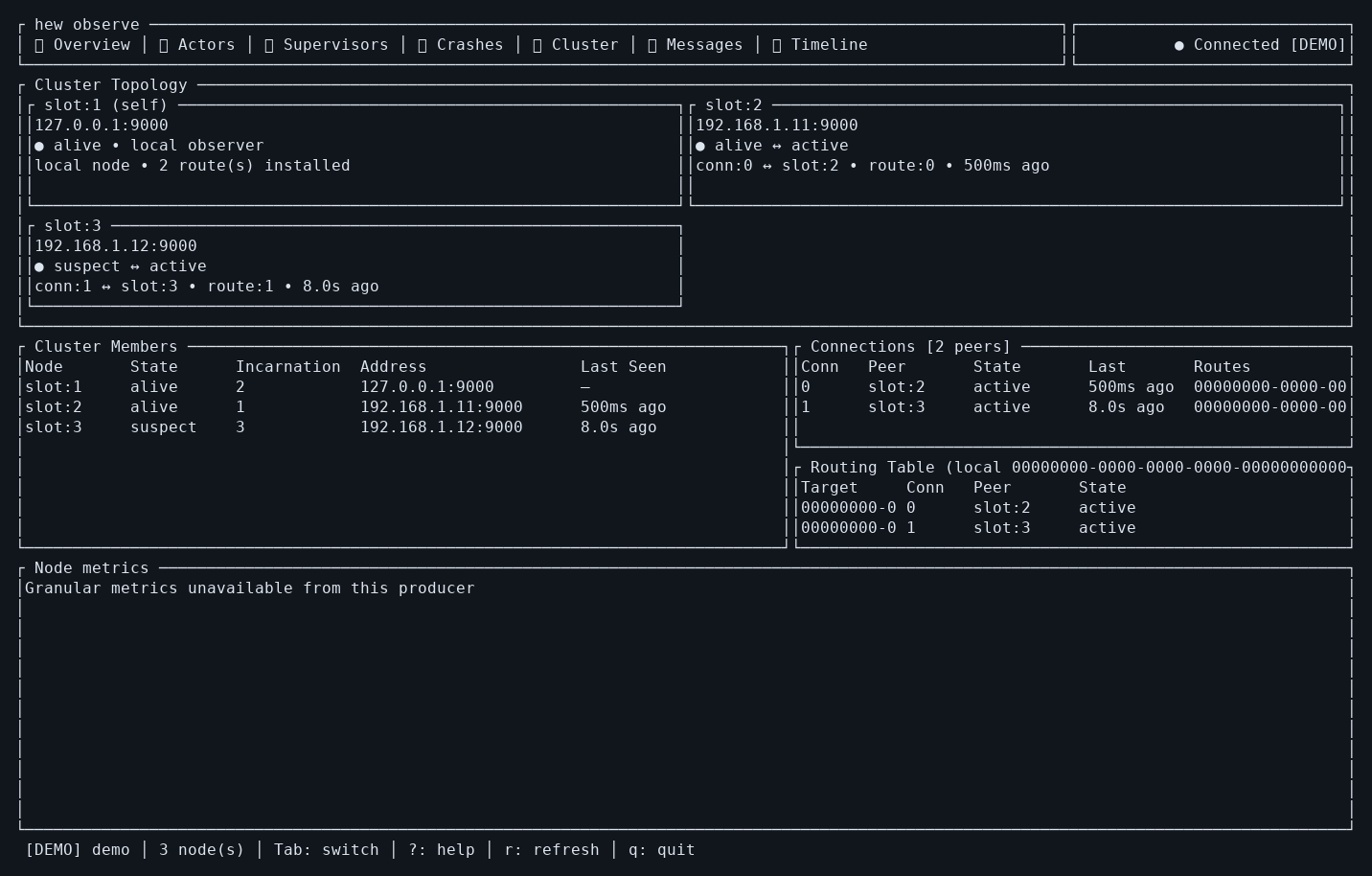
- Cluster: inspect this producer's membership, routes and connections.
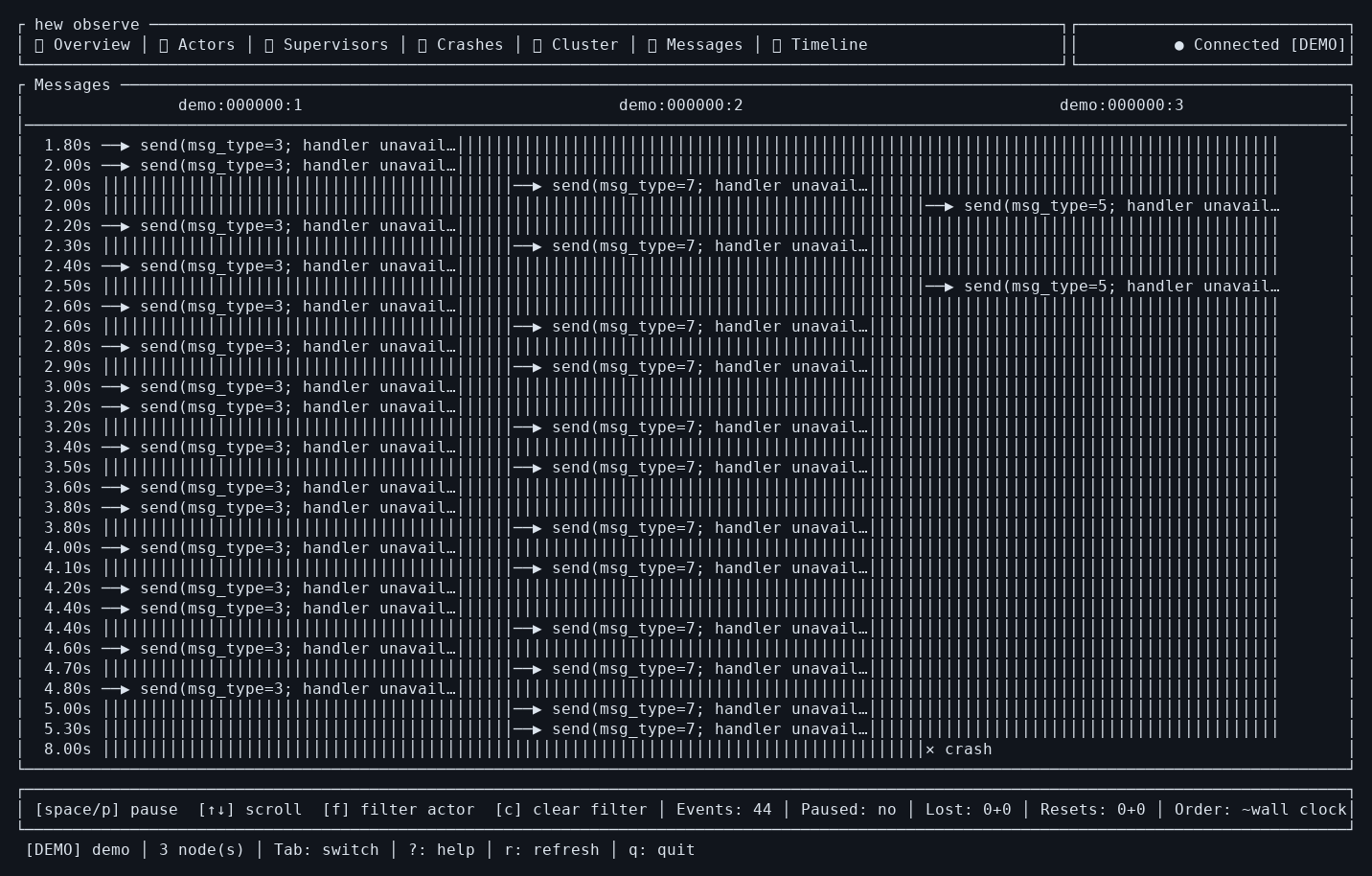
- Messages: p or Space pauses, f filters the selected actor and c clears the filter.
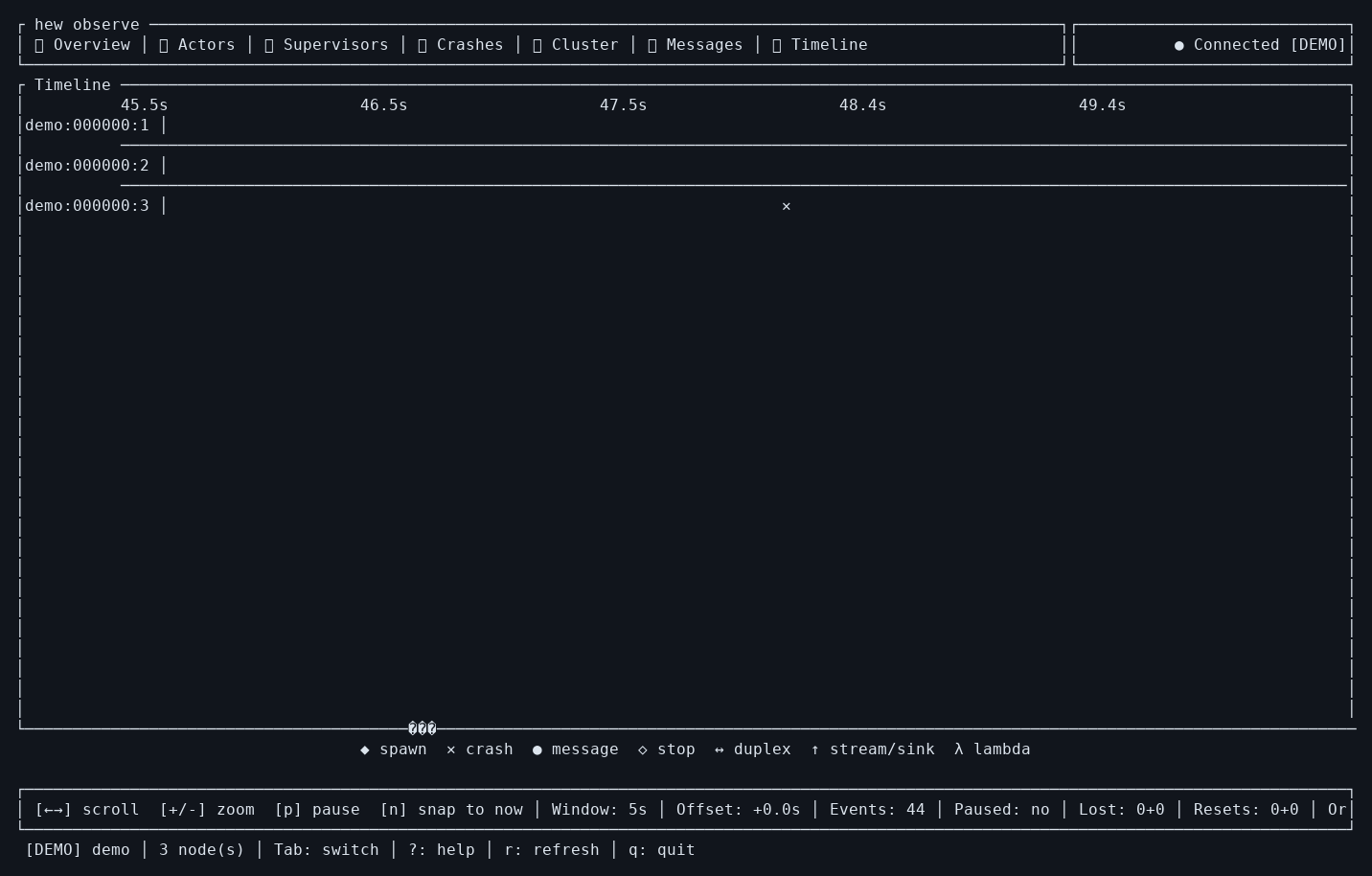
- Timeline: Left/Right pans, +/- zooms, n follows the latest events and p or Space pauses.
See the other five terminal screens
Inspect multiple nodes
hew observe --addr 127.0.0.1:6060 --node 127.0.0.1:6061
# --node can be repeated; use [ and ] to change the active node.
# Optional polling interval:
hew observe --addr 127.0.0.1:6060 --refresh-ms 2000
If it cannot connect
Check that the process is still running and the port matches. Try curl --fail http://127.0.0.1:6060/api/metrics. For discovery, run hew observe --list. The observer needs an interactive terminal; use the HTTP API in scripts. Keep profiler ports on loopback or a trusted network because they expose runtime details without login.
For .hewobs recording and offline replay, use the desktop app. Read the full terminal manual or download the PDF.